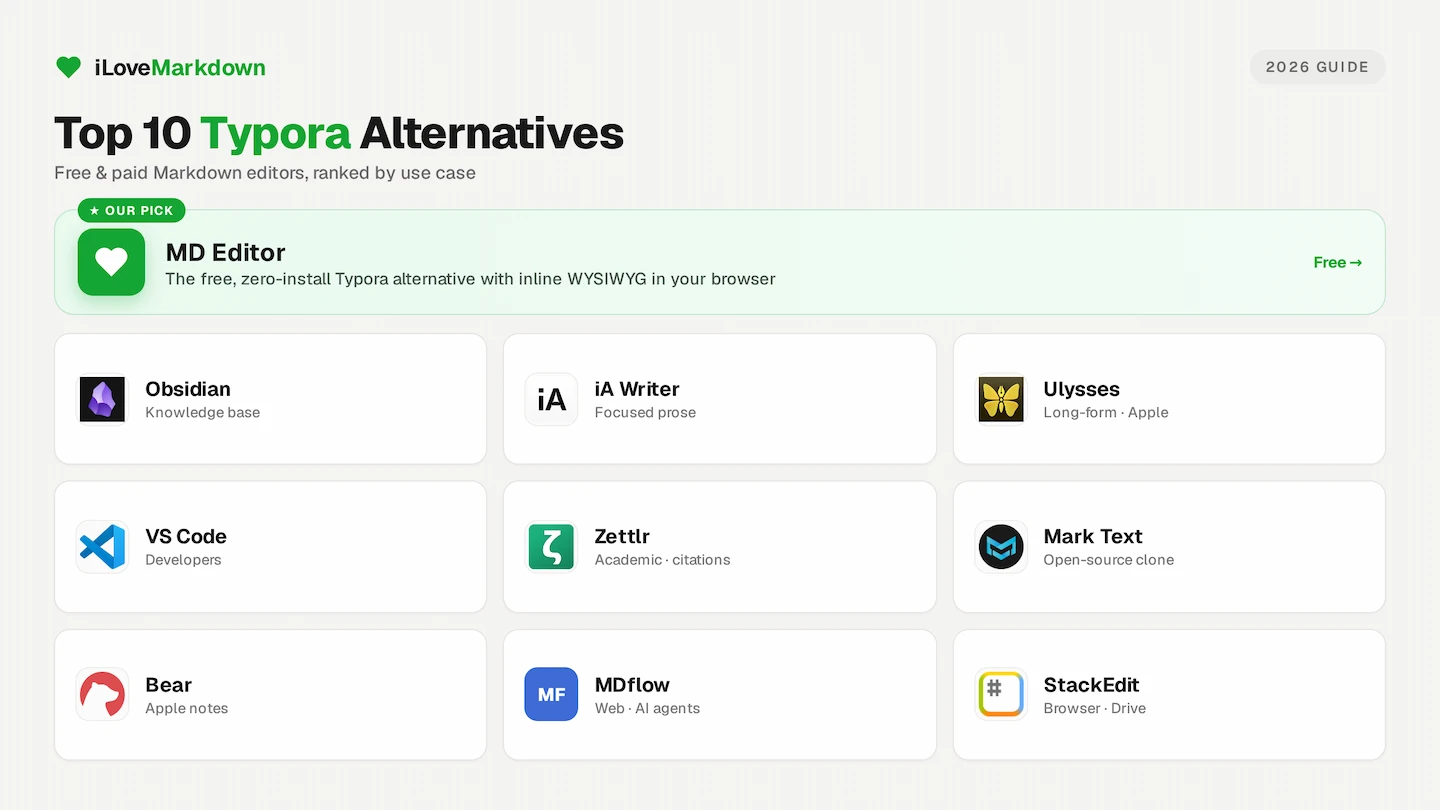
Typora set the bar for a certain kind of Markdown editor: type your syntax and watch it turn into clean formatting in place, with no split preview pane in the way. Since it left beta and became paid software, a lot of writers have gone looking for something that captures that feeling, whether they want a free option, a knowledge base, or a tool built for academic work.
We build the free Markdown tools at iLoveMarkdown, so we spend a lot of time in these apps. Below are the ten best Typora alternatives in 2026, grouped by what they are actually good at, with honest notes on where each one falls short. There is no single winner for everyone, so use the quick comparison table to jump to the category that fits your work.
Key takeaways
- The closest free, zero-install match for Typora is MD Editor, which renders Markdown inline in your browser.
- For a personal knowledge base, Obsidian is the standout. For a free open-source desktop clone, Mark Text.
- iA Writer and Ulysses win on focused, long-form prose. Zettlr owns academic writing.
- VS Code with Pandoc gives the best Word (.docx) export of any editor here.
- If you only need a free option, our guide to the best free Typora alternative narrows this list down.
Quick comparison
| Editor | Type | Inline WYSIWYG | Price | Best for |
|---|---|---|---|---|
| MD Editor | Browser | Yes | Free | Typora-style writing, zero setup |
| Obsidian | Desktop | Live Preview | Free personal | Knowledge base, linked notes |
| iA Writer | Desktop and mobile | Styled syntax | One-time | Distraction-free prose |
| Ulysses | Apple only | Styled syntax | Subscription | Long-form Apple authors |
| VS Code | Desktop | Split preview | Free | Developers, best Word export |
| Zettlr | Desktop | Partial | Free | Academic writing, citations |
| Mark Text | Desktop | Yes | Free | Open-source Typora clone |
| Bear | Apple only | Yes | Free, Pro sync | Casual Apple note-taking |
| MDflow | Browser | Toggle mode | Free, Pro tier | Cross-device sync, AI agents |
| StackEdit | Browser | Split preview | Free | Google Drive workflows |
1. MD Editor: the free, zero-install pick
Best for writers who want the Typora experience with nothing to install or buy.
MD Editor is a browser-based Markdown editor that renders your formatting inline as you type, exactly like Typora. Headings, bold, lists, tables and blockquotes appear in place, with no split preview pane. It also handles the parts most editors skip, with syntax-highlighted code blocks, KaTeX math, Mermaid diagrams, task-list checkboxes and a slash menu for inserting blocks.
How it compares to Typora: it matches the core inline writing feel and adds the convenience of running anywhere a browser does, including Chromebooks and locked-down work laptops where you cannot install a desktop app. Nothing is uploaded, so your writing stays on your machine, and you can export a clean PDF in a click. It is completely free with no signup and no license key.
2. Obsidian: the knowledge base
Best for building a personal wiki of linked notes.
Obsidian is the most popular local-first Typora competitor for knowledge management. It stores every note as a plain-text .md file on your drive, so you keep full data ownership. Its strengths are a dynamic knowledge graph, bidirectional [[wikilinks]] and an ecosystem of well over 1,500 community plugins for building wikis and dashboards.
How it compares to Typora: Obsidian has a Live Preview mode that renders formatting inline, but the interface is busier and the learning curve is steeper. It also lacks native Word export, which requires a third-party plugin and Pandoc. It is free for personal use, though sync and web publishing are paid add-ons.
3. iA Writer: distraction-free prose
Best for focused, typography-first writing.
iA Writer is the gold standard for distraction-free writing. Unlike Typora, it does not hide the raw Markdown. It displays standard inline syntax styled with clean, proportional typography instead. Standout features include Focus Mode, which dims everything except your current sentence or paragraph, a Style Check that flags clichés and passive voice, and an Authorship system that visually separates your original writing from pasted AI text.
How it compares to Typora: it is a one-time purchase, but its single-folder workflow has no tags or wiki-style links, so it is less suited to organizing a complex note database.
4. Ulysses: long-form on Apple
Best for Apple-centric authors working on books and long projects.
Ulysses is a premium writing app built for long-form work. It offers visual sheet-based organization, writing-goal progress tracking and direct publishing to platforms like WordPress, Ghost, Medium and Micro.blog.
How it compares to Typora: instead of letting you work directly with plain .md files in your folders, it keeps text in a proprietary Markdown XL library database. It is subscription only, at 5.99 USD per month or 49.99 USD per year, and it runs on Apple platforms exclusively.
5. Visual Studio Code: the developer choice
Best for developers and technical writers who need version control and Word export.
VS Code is a powerful, highly customizable editor widely used by technical writers. It integrates directly with Git for version control, includes a built-in terminal and has a huge extension library, including Markdown All in One and markdownlint.
How it compares to Typora: it is not a WYSIWYG editor. It shows raw Markdown on one side and a rendered preview in a separate pane. That said, paired with Pandoc it produces the highest-fidelity, publication-grade Word (.docx) exports of any editor on this list. It is completely free and cross-platform.
6. Zettlr: academic writing and citations
Best for researchers, students and anyone managing citations.
Zettlr is a free, open-source editor designed from the ground up for academic and scientific writing. It integrates natively with reference managers like Zotero and JabRef through BibTeX and CSL-JSON, so you can manage citation keys, footnotes and bibliographies while you draft. Deep Pandoc integration and YAML frontmatter let it compile publication-ready Word and PDF documents straight from the app.
How it compares to Typora: it is far more capable for scholarly work, but the interface is less polished and the learning curve is steeper.
7. Mark Text: the open-source clone
Best for a free desktop editor that feels like Typora.
Mark Text is the closest free, open-source equivalent to Typora's real-time visual editing. Like Typora, it renders inline so the syntax disappears as you type, and it supports KaTeX math, Mermaid diagrams and focus and typewriter modes.
How it compares to Typora: it has no native Word export, so you convert through HTML or external tools. More importantly, the project has been effectively abandoned since March 2022, which means bugs go unfixed and no new features are shipping. If you want the clone experience without that risk, a maintained browser editor like MD Editor is the safer bet.
8. Bear: Apple-native note-taking
Best for casual, good-looking note capture on Apple devices.
Bear is a beautifully designed, Apple-exclusive app for casual note-taking and quick capture. It organizes notes with flexible, non-hierarchical hashtags and supports inline images, tables, sketches and an OCR search that finds text inside photos and PDFs.
How it compares to Typora: it keeps notes in an app database rather than local files, and cross-device iCloud sync requires a Pro subscription at 2.99 USD per month.
9. MDflow: browser workspace for AI workflows
Best for teams that want sync, comments and AI-agent access.
MDflow is a browser-first workspace positioned as a zero-install Typora alternative. It syncs notes across devices, supports passage commenting on shared documents, and exposes a full HTTP API and a remote Model Context Protocol (MCP) server so AI agents can interact with your workspace.
How it compares to Typora: it does not do fully in-place WYSIWYG editing, since inline formatting is a separate toggle mode, and export is limited to .md and print-ready PDF. The core is free, but the API, MCP server and high file counts need a Pro tier at 4.99 EUR per month.
10. StackEdit: Markdown in the browser
Best for cloud-synced Markdown tied to Google Drive or Dropbox.
StackEdit is a long-running, free, browser-based Markdown editor. It syncs to Google Drive and Dropbox and can publish to blogs, which makes it handy for cloud workflows.
How it compares to Typora: it uses a classic side-by-side split preview rather than inline rendering, so it feels less like Typora than MD Editor does, but it is a solid free option if you want your files synced to Drive.
How to choose
Match the tool to the job rather than hunting for a single best app:
- You just want to write Markdown like Typora, for free: MD Editor, or Mark Text if you prefer a desktop app.
- You are building a knowledge base: Obsidian.
- You write long-form prose and want zero distractions: iA Writer, or Ulysses if you live on Apple devices.
- You need version control or top-tier Word export: VS Code with Pandoc.
- You write academic papers with citations: Zettlr.
- You want browser access with sync: MDflow or StackEdit.
If price is the deciding factor, our companion guide compares only the free Typora alternatives in more depth. Wondering why you are shopping around at all? Here is the full story on whether Typora is free.
Try the free Typora alternative now
MD Editor renders Markdown inline as you type, with no install, no signup and no license. Open it and start writing.
Open MD Editor →Frequently asked questions
What is the best Typora alternative?
For a free, zero-install editor that renders Markdown inline like Typora, MD Editor is the closest match. For a knowledge base, Obsidian is the strongest option, and for a free open-source desktop clone, Mark Text.
What is the best free Typora alternative?
MD Editor is free with no install or license and runs in any browser. Obsidian (free for personal use), Zettlr, Mark Text and VS Code are also completely free. See our free alternatives guide for the full comparison.
Is there a Typora alternative that runs in the browser?
Yes. MD Editor is a browser-based Markdown editor with inline rendering, and StackEdit and MDflow are other web-based options. None require an install.
Which Typora alternative exports to Word?
VS Code with Pandoc produces the highest-fidelity Word (.docx) exports, and Zettlr also compiles Word documents through Pandoc. Many WYSIWYG editors export to PDF but not natively to Word.
Keep reading: compare the best free Typora alternatives, check whether Typora is free, or learn how to convert Markdown to PDF.